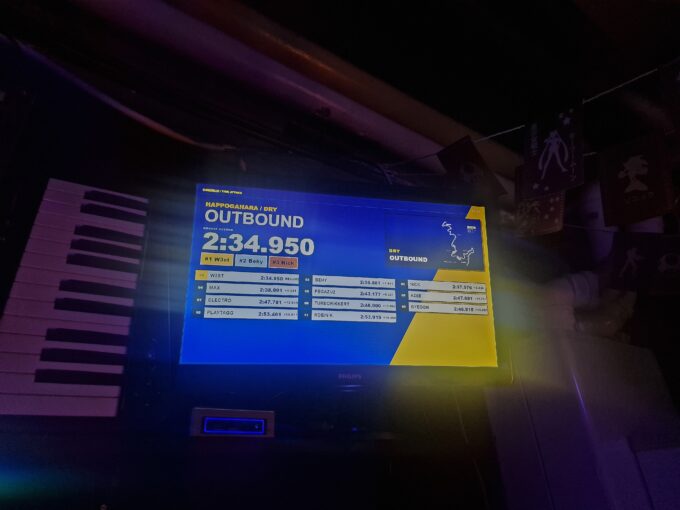
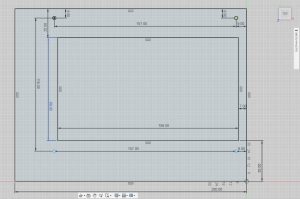
 The goal of this project was to add a 2nd screen to my MAME arcade. This is a multigame arcade which means that there is more than 1 game on it. This gave me the idea to make the extra screen as a dynamic marque, which then displays a banner of the game you are currently playing. A small touchscreen screen seemed perfect to build into the top of the machine, it only needed an HDMI and a mini USB for touch. When drawing the base I had to take into account the placement of the mounting holes of the screen as well
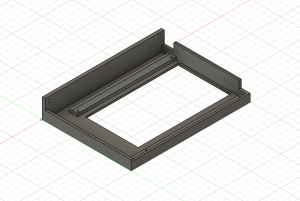 that I could hide the cables. To make it easy for myself, I had bought 2 90-degree connectors for the cables. the first model was very bad especially because I made it too difficult to print on the 3D printer, with the second it worked a lot better (fig-1). I had forgotten that due to the curvature of the marqué, 2 extra flaps had to be added to make it fit better. I had measured everything once again and then forwarded it for a final print. After fitting the screen and placing it on the machine, I
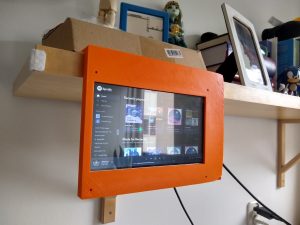 sprayed it matte black to match the rest.
Because of much space on the front of the print, I can always add a stickered overlay on it. I had to cut a small corner out of my current marque to neatly hide the cables. Nor had I taken into account the wood behind the marque, which turned out to be quite in the way. But a little bit of drilling and filing away does the job. The software had an option to display the current game so no further action was required.
Requirements:
- A build-in screen (touch is optional)
- 3D printed frame witch fits on the arcade
- HDMI (90-degrees turn or connector)
- Micro-USB (90-degrees turn or connector)
- Paint
- Game front-end software (Launchbox)